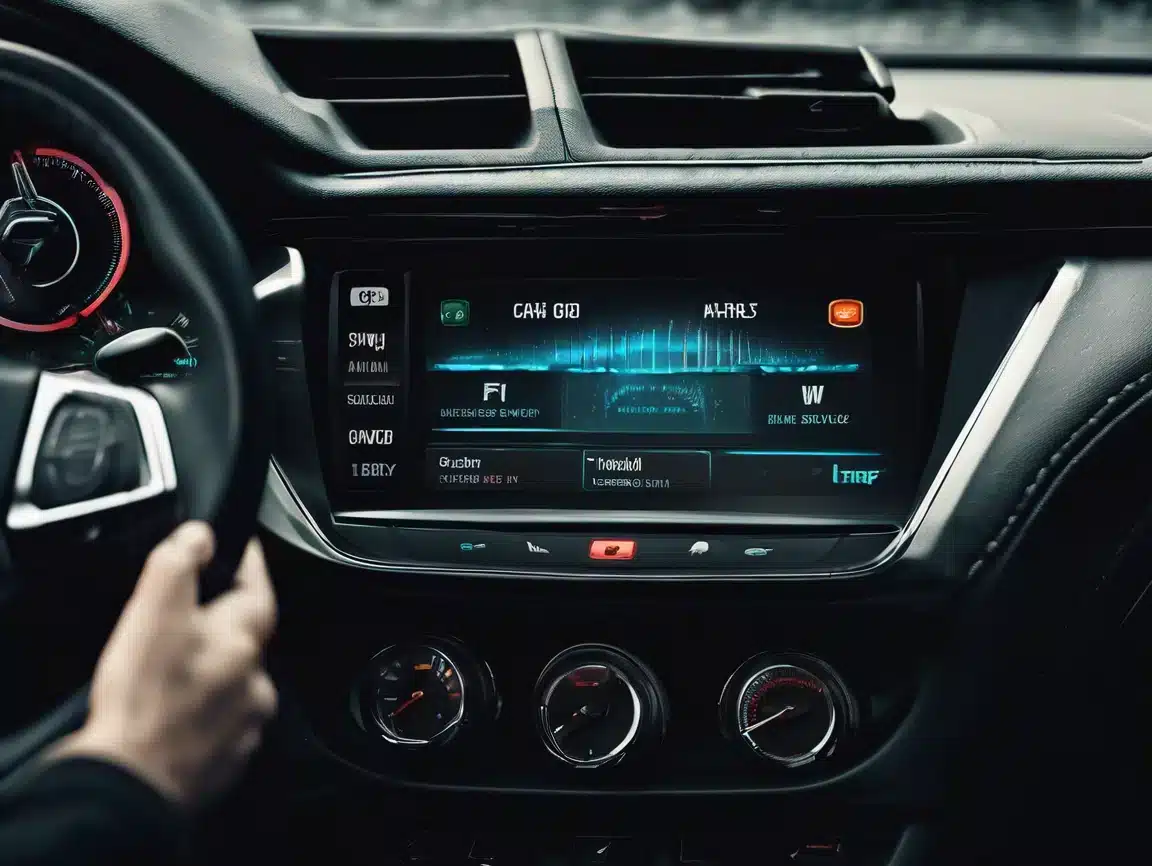
Car Android Stereo Repair Made Easy for Best Performance

Learn effective Car Android Stereo Repair tips to fix common issues, improve performance, and ensure reliable operation of your vehicle’s multimedia system.
Driving Car Android Stereo

Car Android Stereo Repair: How to Fix Common Issues and Improve Performance

Car Android stereo repair is crucial for ensuring your vehicle’s multimedia system delivers reliable performance and an enjoyable driving experience. Many users encounter problems like system freezes, touchscreen failures, and connectivity issues that reduce the functionality of their Android car stereo. This guide will help you diagnose, troubleshoot, and repair common issues efficiently, improving your car stereo’s stability and responsiveness.

Common Problems in Android Car Stereo Systems

  • System crashes, freezes, or boot loops that interrupt use
  • Touchscreen unresponsiveness or lag affecting control
  • Bluetooth pairing failures disrupting hands-free calls and audio
  • Audio distortion, low volume, or complete sound loss
  • Slow system startup or firmware update errors

Typical Causes of These Issues

Most problems stem from outdated firmware, corrupted system files, loose hardware connections, or incompatible third-party apps. Environmental factors such as heat or moisture can also damage internal components.

How to Repair Your Car Android Stereo

1. Restart and Factory Reset

Perform a simple restart first to clear temporary glitches. If issues persist, a factory reset will restore system settings and remove corrupted data. For detailed guides, visit our Blogs and Tutorials page.

2. Inspect Hardware Connections

Check all wiring harnesses and connectors behind the stereo for looseness, corrosion, or damage. Secure and clean connectors to avoid signal interruptions. More hardware inspection details can be found on our Blogs and Tutorials page.

3. Update Firmware Regularly

Download and install the latest firmware from our Firmware Upgrade section. Firmware upgrades often fix bugs and improve compatibility.

4. Troubleshoot Bluetooth and Connectivity

Delete old paired devices and re-pair your phone to resolve Bluetooth conflicts. Verify Wi-Fi settings if your stereo supports wireless connections. Troubleshooting details can be found on our Troubleshooting page.

5. Diagnose and Repair Audio Issues

Test speakers individually to rule out hardware faults. Adjust volume and sound settings and use diagnostic tools if available to identify driver or hardware issues.

When to Seek Professional Car Android Stereo Repair

If the above steps don’t resolve the issue, professional repair is recommended. Our FixMyDash remote repair services specialize in Android car stereo repair, including software fixes, firmware recovery, and system optimization without removing your device.

Maintenance Tips for Better Performance and Reliability

  • Keep firmware and apps up to date
  • Avoid installing untrusted third-party applications
  • Protect your device from moisture and extreme temperatures
  • Use quality cables and accessories designed for your stereo model

Xulosa

Effective car Android stereo repair starts with understanding common issues and their causes. By following these troubleshooting steps, you can restore your system’s performance and reliability. For complex problems, rely on FixMyDash expert remote repair services to get your car stereo back to optimal condition. Need professional help? Contact us via VatsApp now for expert Car Android Stereo Repair services and keep your car’s multimedia system running smoothly.
Umrbod faollashtirish

Toppal sun'iy intellektli avtomobil yordamchisi Pro:
Eng so'nggi nashr

Transport vositangizning to'liq salohiyatini oching Toppal AI Avtomobil Yordamchisi Pro litsenziya kodi. Ovozli boshqariladigan navigatsiya, shaxsiylashtirilgan haydash bo'yicha tavsiyalar va real vaqtdagi yo'l harakati yangilanishlaridan bahramand bo'ling. Ilg'or ChatGPT integratsiyasi bilan aqlli va xavfsiz haydash uchun yangilang.

Xususiyat STANDART Professional versiyasi
Ovozli boshqariladigan navigatsiya ✓ Ha ✓ Ha
Qo'llarsiz media boshqaruvi ✓ Ha ✓ Ha
Shaxsiy haydash bo'yicha tavsiyalar ✕ Yo'q ✓ Ha
Real vaqtli tirbandlik yangilanishlari ✕ Yo'q ✓ Ha
Rivojlantirilgan ChatGPT integratsiyasi ✕ Yo'q ✓ Ha
STANDART LITSENZIYA
$28.00 edi
$18.00
Bir martalik to'lov
Eng yaxshi qiymat / Eng mashhur
PRO faollashtirish (to'liq sun'iy intellekt)
$45.00 edi
$28.00
Umrbod Pro kirish

Toppal AI yordamida transport vositangizni o'zgartiring. Obuna yo'q. Doimo aqlliroq. Darhol elektron pochta orqali yetkaziladi.

ChatGPT Maxsus Premium nashr

Eng ilg'or, aqlli va uzluksiz sun'iy intellekt haydash tajribasi.

Toppal sun'iy intellektli avtomobil yordamchisi
ChatGPT uchun

ChatGPT tomonidan quvvatlanadigan Toppal AI Car Assistant bilan ilg'or texnologiyani boshdan kechiring. Ushbu intuitiv tizim avtomobilingizning multimedia imkoniyatlarini boyitadi, silliq ovozli boshqaruv, navigatsiya va aqlli yordamchi funksiyalarni taqdim etadi, barchasi transport vositangizga integratsiya qilingan.

Asl narxi: $75.00 / yil
$45.00
1 yillik premium kirish

Qo'llarsiz ovozli buyruqlar va navigatsiya yordami bilan aqlliroq haydashga tayyorlaning.
Sotib olingan zahoti raqamli tarzda darhol yetkazib beriladi.

Yopish
$5.0 Mutaxassis tashxisi
Avtomobilingiz uchun Android ekrani bo'yicha tezkor yordam
Mutaxassis tashxisi
  • 1ga1 professional tahlil
  • 24 soat ichida tezkor javob
  • 100%ni yangilash yoki ta'mirlashda pul qaytariladi
$5.0 ni hozir to'lang va tashxisni boshlang
Qaytarib berilmaydi, lekin to'liq ta'mirlash to'lovi $5.0 miqdorida chegirib tashlanadi.

Izoh qoldiring

Xarid savati