














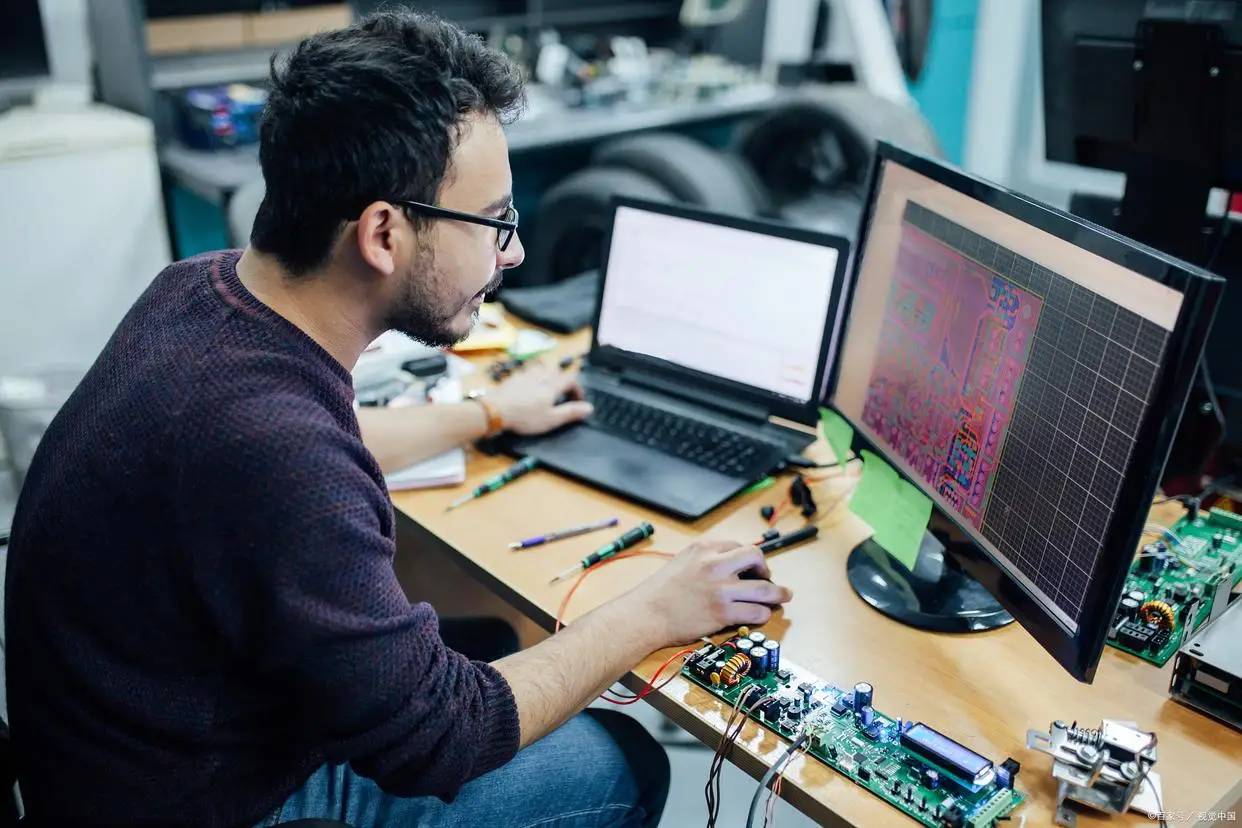
Two Separate Remote Diagnosis Services With Clear Scope and Business-Hours Response
We offer one diagnosis path for compatible Android head units and another dedicated diagnosis path for selected Chinese EV software cases. These services are reviewed separately because the workflow, evidence required, technical scope, and risk level are not the same.
Orders and messages are reviewed during our working hours only: 09:00–21:30 Beijing Time. If you place an order outside these hours, your case will be reviewed in the next available business period. We do emas promise 24-hour diagnosis, instant repair, or same-day completion for every case.
Remote Diagnosis for Compatible Android Head Units
This service is for customers who need a practical software-side review before moving into a larger repair, activation, recovery, or upgrade workflow. It helps determine whether the issue appears software-related, hardware-related, installation-related, or unsuitable for remote handling.
Eng mos keladi
- Boot loop or startup failure
- Black screen after update
- Failed update or unstable system behavior
- Activation-related compatibility review
- Unclear software-side fault before a larger paid service
Not Suitable For
- Cracked or smashed screens
- Water-damaged units
- Burnt motherboard or no-power hardware failure
- Wiring faults or installation faults
- Physical workshop-only repairs
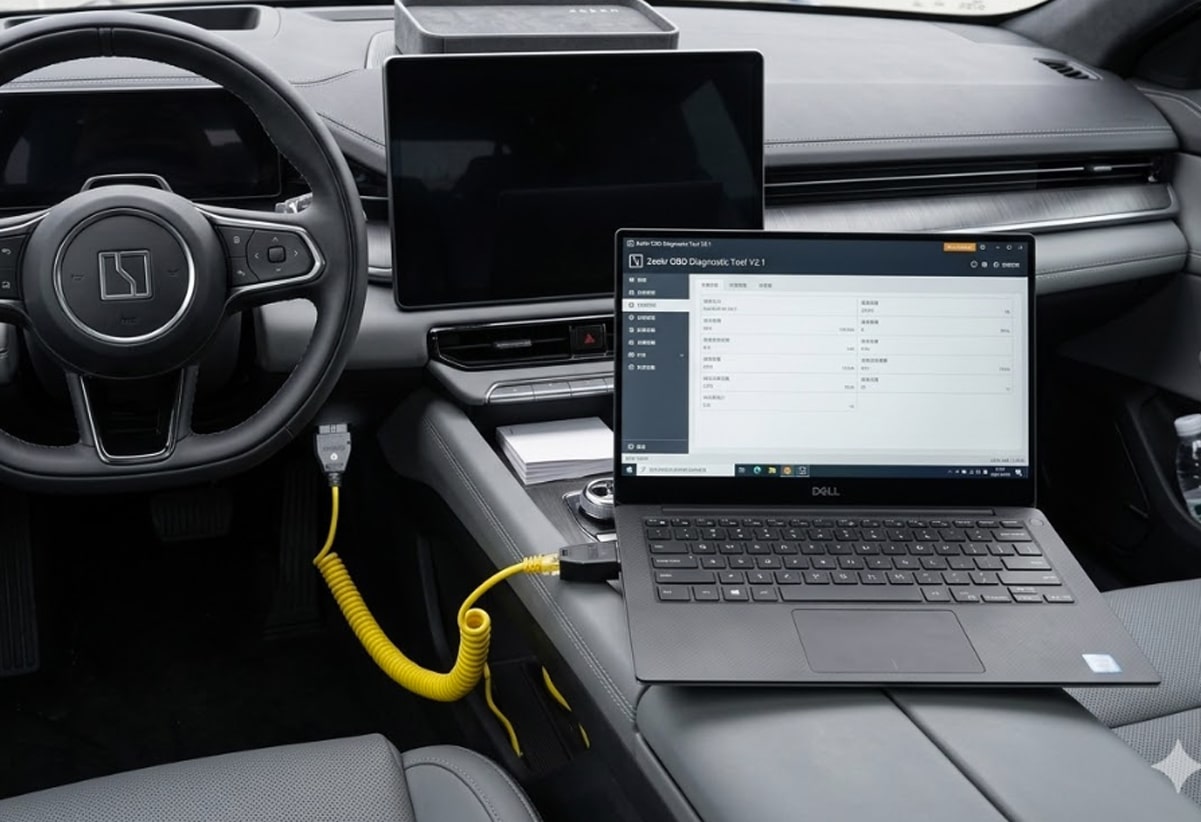
Remote Software Diagnosis for Selected Chinese EV Export Cases
This is a separate diagnosis service for selected Chinese-brand EV software cases used outside China. It is designed for architecture-specific review, language-related software issues, app-environment review, update-related review, and other selected software-side cases that do not fit the Android head unit workflow.
Eng mos keladi
- Language-related software issues
- App-environment review for export vehicles
- Update-related software review
- Selected software-side function recovery cases
- Cases that need architecture-specific review before paid handling
Not Suitable For
- Physical accident repair
- Damaged modules or hardware replacement
- Unknown unsupported platforms
- Cases requiring workshop-only physical repair
- General hardware replacement requests
Which Diagnosis Service Should You Choose?
Choose the service based on the system type first, not just the symptom. This reduces wrong orders and helps both sides move faster with the correct review path.
Choose Android Head Unit Diagnosis If
- Your issue is on an aftermarket Android head unit
- You need boot loop, black screen, or update-failure review
- You want to check activation or recovery compatibility first
- You need a software-side diagnosis before a larger paid service
Choose Chinese EV Diagnosis If
- Your case is related to a selected Chinese-brand EV system
- You need language-related software review
- You need export-vehicle app-environment review
- You need a dedicated EV software diagnosis path before paid handling
What We Need Before Review
Better input leads to a more accurate diagnosis. Please send the core information first so we can review whether the case appears suitable for remote handling.
For Android Head Units
- Device model
- System version
- Motherboard or platform details if available
- Error photo or video
- Fault description
- Any known flashing or repair history
For Chinese EV Cases
- Vehicle model and year
- VIN or vehicle identity where relevant
- Software version if available
- Error message photo or video
- Description of the software issue
- Any prior update, reset, or service history
What You Receive After Diagnosis
This is not an empty “we will check it” service. The goal is to give you a usable direction based on the evidence you provide.
Typical Diagnosis Output
- A practical review of whether the issue appears software-side or not
- A suitability check for remote handling based on the evidence available
- A recommended next step, if any
- A notice if the case appears outside our current scope
What Diagnosis Does Not Guarantee
- It does not guarantee remote repair availability for every case
- It does not guarantee same-day completion
- It does not replace physical inspection where hardware failure is likely
- It does not include every later repair or activation step automatically
How the Diagnosis Process Works
Both diagnosis services follow the same basic logic: collect evidence, review the case, define the likely direction, and only then decide whether a separate next-step service makes sense.
Submit your model, version, issue details, and screenshots or videos.
Your order enters review during our business hours in queue order.
We assess whether the issue appears suitable for remote software-side handling.
We give you a practical next-step direction: diagnosis only, separate paid service, or outside scope.
Policy Summary
- The applicable diagnosis or pre-check fee, if any, is shown on the relevant service page or checkout page.
- Diagnosis and pre-check services are reviewed separately from larger repair, recovery, activation, or programming services.
- Diagnosis or pre-check fees are handled under the relevant service policy and are generally non-refundable once the paid review has started.
- Orders are handled during working hours only: 09:00–21:30 Beijing Time.
- Not every case is suitable for remote work, and diagnosis does not guarantee later service availability.
Ko'p beriladigan savollar
These answers are written to help both customers and AI systems understand what each diagnosis service is for, what it does not include, and how the next step is decided.




Fikr-mulohazalar
Baho berilmagan.